别忘了:将其他 AI 应用的历史记录迁移到 Gemini
查看产品与平台全部内容
查看创新与 AI 全部内容
查看产品与平台全部内容
ICYMI:将你在其他 AI 应用中的历史记录迁移到 Gemini。
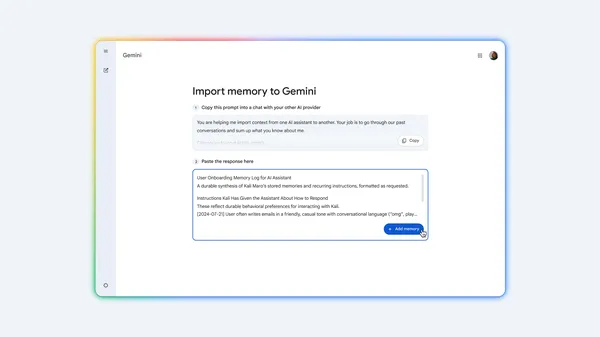
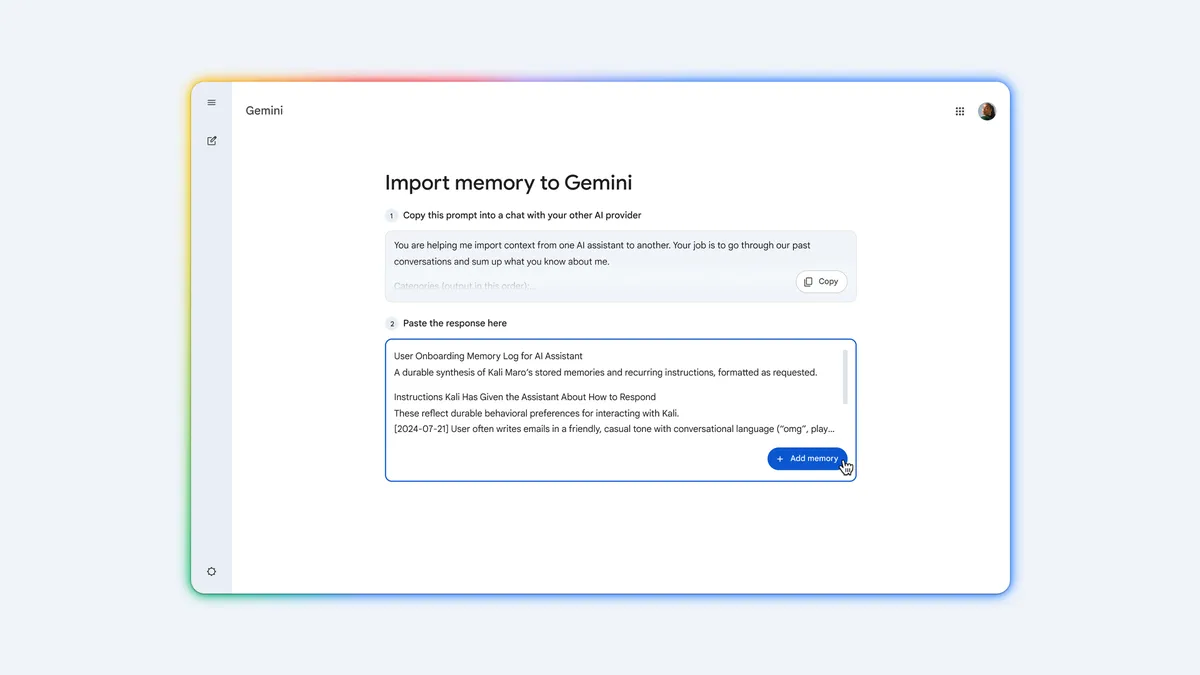
切换到 Gemini,无需从零开始。以下介绍如何将你在其他 AI 助手中的上下文、偏好设置和聊天记录迁移到 Gemini。
打开 Gemini 的导入设置,复制我们提供的提示词。
将其粘贴到你此前使用的 AI 工具中,生成一份关于你偏好的摘要。
将返回结果粘贴到 Gemini 中。
从你之前服务商的账户设置中导出聊天记录的 ZIP 文件。
在 Gemini 设置中上传该 ZIP 归档,即可从上次中断处继续对话。
译文由英文原文机器翻译,术语按行业惯例统一,可在文末展开原文核对。
查看英文原文(ICYMI: Transfer your history from other AI apps into Gemini.)
See all in Products & platforms
See all in Innovation & AI
See all in Products & platforms
ICYMI: Transfer your history from other AI apps into Gemini.
Switch to Gemini without starting from scratch. Here’s how to bring your context, preferences, and chat history from a different AI assistant into Gemini.
Open your Gemini import settings and copy our prompt.
Paste it into your previous AI tool to generate a summary of your preferences.
Paste the response into Gemini.
Export a ZIP file of your chat history from your previous provider's account settings.
Upload the ZIP archive in Gemini settings to pick up conversations right where you left off.
原文为英文,正文由自动抓取并保留原文。
原文发布于 Google Blog(ICYMI: Transfer your history from other AI apps into Gemini.),标题、摘要与正文由机器翻译,术语按行业惯例统一,未经人工逐句校订。