在智能体时代改善开发者体验
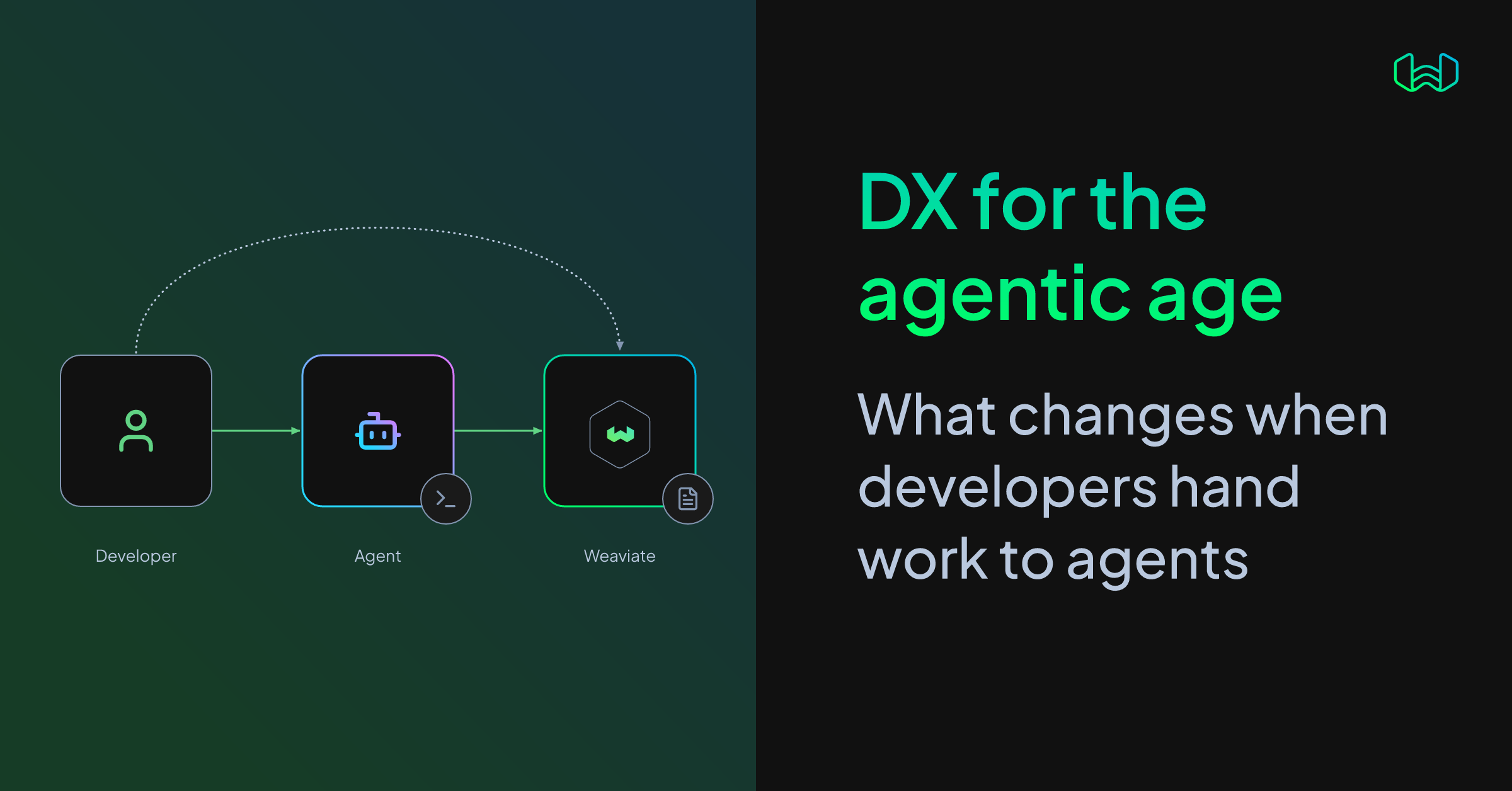
当智能体编写代码时,开发者还剩下什么可做?我们无法确定,但大多数人都认同,已经没有回头路。时代,确实,正在改变。
而对于我们当中规模更小的一群人——开发者工具的构建者来说,还有另一个问题:这对开发者体验(DX)意味着什么?
我们会精心设计 API 接口、文档和学习材料,引导开发者使用正确的语法,并帮助他们发现合适的工具。
当阅读这些内容的是智能体时,这一切还重要吗?很容易想象,对于我们未来那些无所不知的霸主来说,这些都不会有任何影响。
但我认为有两点。第一,我们不应忘记(至少目前如此)智能体的末端仍有一个人在拉线操控。因此,我们应当着眼于优化他们的体验。第二,良好 DX 背后的原则依然适用,即便智能体遇到的是人类读者从未见过的问题。
让我讲讲最近为改进文档所做的一项工作。我发现,在某些情况下,智能体会从我们的文档中得出错误结论。深入排查后,我们把根本原因追溯到一点:有些智能体没有收到完整的文档页面!页面被截断,某些语言的代码示例缺失,章节也缺失。
我们发现,缺失的上下文会让智能体去别处搜索,或导致它得出错误结论、写出错误代码。这些问题一直未被发现,因为它们影响的是一类很少在出错时告诉我们的读者:编码智能体。而且更出人意料的是——其中一些问题只会出现在智能体身上!
那么,我们是如何发现智能体实际看到的内容的?
在识别 DX 问题时,我们过去可能会求助于用户访谈。对于智能体,我们则专注于直接观察它们的行为。
我们设置了多个智能体,以可重复的方式运行同一任务,并查看它们的日志和输出。这不仅让我们看到最终答案,还能看到它们为得到答案所走的路径:使用了哪些工具、执行了哪些搜索、阅读了哪些页面。
当然,这找出了需要更新的文档页面。但重要的是,它向我们表明,智能体应被视为另一类读者。
其一,智能体阅读网页的方式与使用浏览器的人不同。不同编码环境中的抓取工具可能会返回页面的不同部分,而且通常不会在内容缺失时告知网站。
但关键在于:即使智能体注意到信息缺失,它也不太可能把问题报告给我们这些文档维护者。它可能只是去别处搜索,或者绕过这个问题。
一旦我们能够复现这些失败,就能测试潜在的修复方案:修改文档,再次运行同样的任务,并检查智能体是否获得了所需的上下文。
例如,在我们修改之前,某个抓取工具在 15 次 TypeScript 运行中只有 7 次返回了正确的语言示例,在 15 次 Go 运行中只有 3 次返回正确。修改之后,在我们检查的每一次运行中,它都返回了正确的代码片段。
我们还发现,一个概念页面上有一句过时的话,导致智能体使用了较旧的客户端库,尽管该页面并不是代码示例所在的位置。在我们更正之后,我们检查的每个答案都使用了当前客户端。
当缺少有用的内容时,智能体可能会试图绕过这一问题,去寻找原始源文件,或下载页面并编写一个解析器。在一个例子中,当所需代码被隐藏时,一个智能体花了 23 轮才得出解决方案;而使用该页面的 Markdown 版本时,只用了 6 轮。我们还发布了文档页面的 Markdown 版本,使页面加载时的 Token 用量减少了约 20%。
这些测试也帮助我们发现了回归问题。一项修复隐藏代码标签页的改动,导致某个抓取工具只返回了 Quickstart 的一部分内容,而丢弃了其余部分。重新运行测试暴露了这个问题,随后一处小幅布局调整将其修复。
这些都属于智能体体验(AX)的示例:确保智能体能够有效使用我们的文档、工具和 API。随着越来越多的工作被委派给智能体,它们的体验与直接使用这些资源的开发者的体验同样重要。
DX 的目标从来不只是让写代码变得更快,而是减少开发者与其想要创造的价值之间的摩擦。代码只是其中一部分。开发者仍然需要理解问题、向智能体给出良好的指令、搭建合适的环境,并验证结果。
这意味着,良好的体验需要同时服务于开发者,以及在开发者与产品之间工作的智能体:
对开发者而言,这意味着帮助他们做出合理的架构决策、向智能体传达自己的意图,并验证结果。对智能体而言,这意味着让信息完整且可被发现、提供适合智能体的工具、减少歧义,并让正确性可被观察。
这些目标与 Don Norman 的“执行鸿沟”和“评估鸿沟”理念一致:人们需要理解如何行动,以及自己的行动是否奏效。智能体改变了所涉及的界面和机制,但这些底层需求依然存在。
我们正在将这些理念应用于开发者使用 Weaviate 时所用的工具和工作流。例如,当被要求更新一个在 GraphQL 被禁用后仍使用 v5 客户端的 Go 服务时,一些智能体试图直接调用服务器的 gRPC API,而不是寻找更新的 Go v6 客户端。我们正在探索如何引导它们使用受支持的客户端,同时尽可能减少开发者的额外工作。
我们也在衡量智能体从零开始构建 Weaviate 应用并将其适配开发者需求的能力。这包括使用当前功能,如 HFresh 索引、Rotational Quantization 和 PathSeer 过滤,以及应用我们已总结出的最佳实践。
其他工作包括探索面向智能体的 Quickstart 可能是什么样,以及智能体如何帮助进行集群维护和故障排查。
核心实践大家都很熟悉:找到人们卡在哪里,改进体验,并验证改进是否有效。发生变化的是我们需要衡量的用户和工具集合。开发者现在既通过 IDE 和浏览器工作,也通过编码智能体工作,而智能体在找不到或无法理解某些东西时很少会告诉我们。
这使衡量变得更加重要,而不是更不重要。通过在变更前后测试智能体如何使用我们的文档和工具,我们可以减少开发者和智能体双方的摩擦——并帮助开发者从工作中获得更多价值。
查看 Quickstart 教程,或注册免费的 Weaviate Cloud 账户。
译文由英文原文机器翻译,术语按行业惯例统一,可在文末展开原文核对。
查看英文原文(Improving Developer Experience in the Age of Agents)
When agents write the code, what is left for developers to do? We don't know for sure, but most would agree that there's no going back. Times, indeed, they are a-change-in.
And for a smaller group of us building developer tools - there's another question: what does it mean for developer experience (DX)?
We take care to craft API surfaces, documentation and learning material to guide developers to the right syntax, and help them discover the right tools.
Does any of it still matter when an agent is the one reading it? It's easy to imagine that none of it would make a difference to our omniscient future overlords.
But here are two things that I think. One, we shouldn't forget that (at least for now) there is a human at the end of the agent, pulling the strings. So we should look to optimise their experience. And two, the principles behind good DX still apply, even when agents encounter problems that human readers never see.
Let me tell you about a recent effort to improve our documentation. I found that in some cases, agents were drawing incorrect conclusions from our documentation. When we dug in, we traced the root cause to the fact that some agents were not receiving complete documentation pages! Pages were truncated, code examples were missing for some languages, and sections were missing.
And that missing context, we found, would send an agent searching elsewhere or lead it to draw incorrect conclusions or write wrong code. These issues had gone unnoticed because they affected a class of readers that rarely tells us when something is wrong: coding agents. And as a kicker - some of those issues would only exist for agents!
The same page can look different to every agent
So how did we find out what agents were actually seeing?
When it comes to identifying DX issues, we might have turned to user interviews. For agents, we focused on observing their behaviour directly.
We set up several agents to run the same task in a repeatable way, and explored their logs and outputs. This let us see not only the final answers, but the paths they took to get there: what tools they used, what searches they ran, and what pages they read.
Sure, this identified documentation pages to update. But importantly, it showed us that agents should be treated as a different class of reader.
For one, agents do not read web pages in the same way as people using a browser. Fetch tools in different coding environments can return different parts of a page, and often do not tell the site when content is missing.
But here's the important part: even if an agent notices missing information, it is unlikely to report the problem to us as the documentation maintainers. It may simply search elsewhere or work around it.
Once we could reproduce those failures, we could test potential fixes: change the documentation, run the same tasks again, and check whether agents received the context they needed.
For example, before our changes, one fetch tool returned the correct language examples in only 7 of 15 TypeScript runs and 3 of 15 Go runs. After the changes, it returned the right snippets in every run we checked.


We also found an outdated sentence on a concepts page that led agents to use an older client library, even though that page was not where the code examples lived. After we corrected it, every answer we checked used the current client.
When useful content is missing, agents may try to work around it by finding raw source files or downloading a page and writing a parser. In one example, an agent took 23 turns to reach a solution when the needed code was hidden; with the Markdown version of the page, it took 6. We also shipped Markdown versions of our documentation pages, reducing token use on page loads by around 20%.
These tests helped us catch regressions, too. A change that fixed hidden code tabs caused one fetch tool to return a section of the Quickstart while dropping the rest. Re-running the tests exposed the problem, and a small layout change fixed it.
DX and agent experience work together
These are examples of agent experience (AX): making sure agents can use our docs, tools, and APIs effectively. As more work is delegated to agents, their experience matters alongside the experience of developers using those same resources directly.
The goal of DX has never been simply to make writing code faster. It is to reduce friction between a developer and the value they are trying to create. Code is one part of that. Developers still need to understand the problem, give agents good instructions, set up the right environment, and verify the result.
That means a good experience needs to serve both the developer and the agent working between the developer and the product:


For developers, that means helping them make sound architectural decisions, communicate their intent to agents, and verify outcomes. For agents, it means making information complete and discoverable, providing agent-appropriate tools, reducing ambiguity, and making correctness observable.
Those goals align with Don Norman's ideas of the "gulf of execution" and "gulf of evaluation": people need to understand how to act and whether their actions worked. Agents change the interfaces and mechanisms involved, but those underlying needs remain.
Turning the principles into practice
We are applying these ideas to the tools and workflows developers use with Weaviate. For example, when asked to update a Go service that uses the v5 client after GraphQL is disabled, some agents tried to call the server's gRPC API directly instead of looking for the newer Go v6 client. We are exploring ways to guide them toward the supported client with as little extra effort from the developer as possible.
We are also measuring how well agents can build Weaviate applications from scratch and adapt them to a developer's needs. That includes using current capabilities such as the HFresh index, Rotational Quantization, and PathSeer filtering, as well as applying the best practices we have learned.
Other work includes exploring what an agent-oriented Quickstart could look like, and how agents could help with cluster maintenance and troubleshooting.
The principle stays the same
The core practice is familiar: find where people get stuck, improve the experience, and verify that the improvement worked. What has changed is the set of users and tools we need to measure. Developers now work through coding agents as well as IDEs and browsers, and agents rarely tell us when they could not find or understand something.
That makes measurement more important, not less. By testing how agents use our docs and tools before and after changes, we can reduce friction for both the developer and the agent—and help developers get more value from their work.
Ready to start building?
Check out the Quickstart tutorial, or sign up for a free Weaviate Cloud account.
正文保留英文原文,标题与摘要由机器翻译。
原文发布于 Weaviate Blog(Improving Developer Experience in the Age of Agents),标题、摘要与正文由机器翻译,术语按行业惯例统一,未经人工逐句校订。