AIE 代码峰会:OpenAI 谈 Codex 新用法
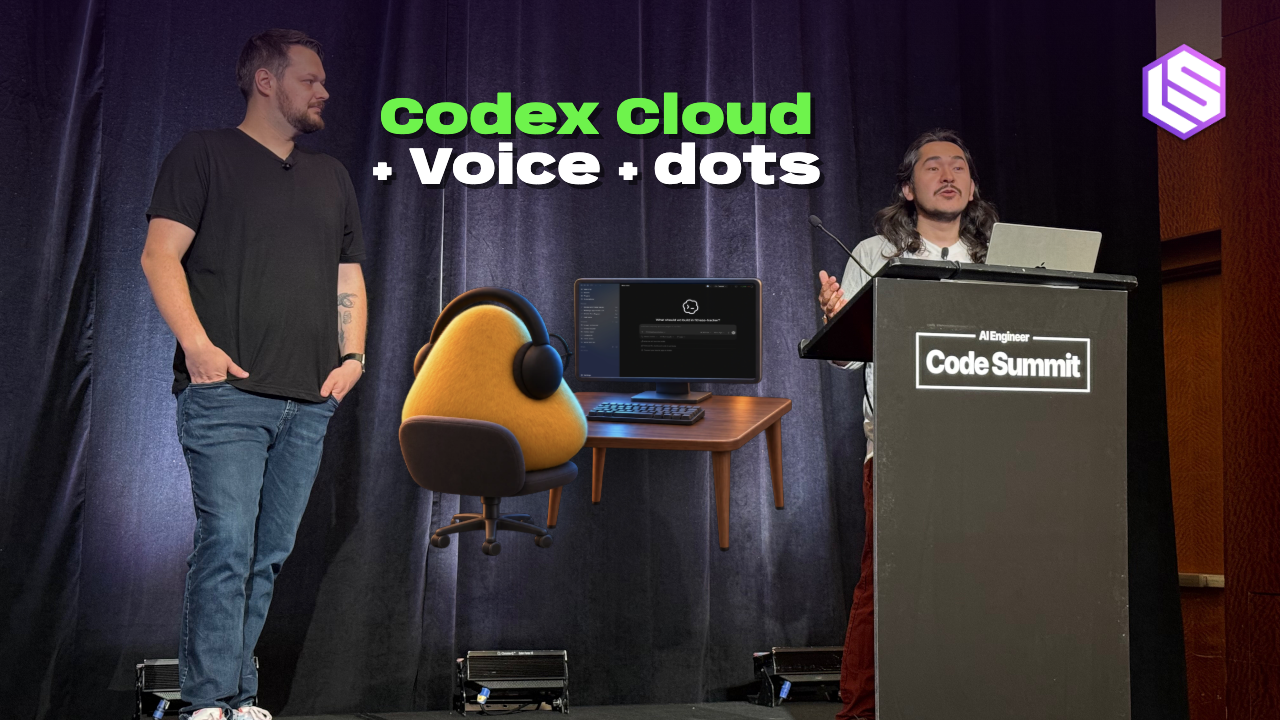
AI Engineer Code Summit 今日开幕,并举办了一系列工作坊,其中包括来自领先前沿实验室 OpenAI、Anthropic 和 Google DeepMind 的场次。我参加了 OpenAI 的工作坊,其标题颇为引人注目——“与 Codex 协作的新方式”,由该公司的两位开发者体验工程师 Dominik Kundel 和 Charlie Guo 主持。
过去一年,编程智能体领域一直是各家前沿实验室不断进行产品升级的战场。但并非所有这些变化都进展顺利。例如,向云端迁移这一点,对许多 Codex、Claude 和 Antigravity 的用户来说仍然令人困惑。
今日在 OpenAI 工作坊上展示的一张 Codex 演进示意图。
我们还看到了与智能体协作的新方式。像 OpenAI 的 dots 和 Anthropic 的 Claude Duet 这类个人智能体可以在会话间隔期间提供协助,而语音模式则为开发者提供了另一种引导编程任务的方式。
OpenAI 的工作坊涵盖了上述三个方面,会后我还就这些话题向 Kundel 提出了一些追问。
Guo 在工作坊开场时列举了自 2026 年 6 月 AI Engineer World's Fair 以来他们在 Codex 上发布的一系列功能。“我不得不删减这份清单才能让它塞进屏幕,因为要放进去的东西太多了,”他说。“我认为团队一直以令人难以置信的速度在发布产品。”
Codex 于 2025 年 5 月推出,定位为“一个基于云的软件工程智能体,可以并行处理许多任务”。但 Kundel 承认,“模型和运行框架花了一段时间才达到平衡,让我们能够构建出真正引人投入的体验。”换句话说,Codex 的云端部分往往是一种别扭的用户体验。
这一局面在9月下旬 DevDay 之后开始改变,当时 OpenAI 宣布了改版后的 Codex Cloud 2.0。云端的用法突然显得更可行了。正如 DevDay 公告所说,你“现在终于可以合上笔记本电脑,而你的智能体还会继续干活”。
正如发布在 ChatGPT Sites 上的官方研讨会纪要所解释的那样,新版 Codex Cloud 让你可以“发布一次环境,然后在该环境的多个隔离实例中运行多项任务”。
“如果你在公司里工作,这些环境可以在公司内部共享,你也可以只创建自己的环境,”Kundel 在谈到这些云端环境时说。“你首先要做的是挑选你希望获得访问权限的 GitHub 仓库。”
研讨会结束后,我向 Kundel 坦言,我仍然觉得 Codex 的云端功能让人困惑——比如,当我在本地启动一项任务,之后又想把它移到云端时。
“我们当然希望它能更简单,”Kundel 回答说。“这在某种程度上取决于如何处理上下文差异。比如,昨天我做的事情是,我在本地处理某个东西,然后直接让 Codex 把它移交给云端。”
这种向云端的移交,正是 OpenAI 试图为用户改进的地方。为了演示,Kundel 在浏览器中重新打开了一个已有的云端任务,并向我展示它的 Appshot——即对 Mac 应用窗口的本地截图——仍然附在其中。
Codex Cloud 现在“就只是一个后台,相当于事情发生的另一个执行者,”他继续说道。“因此类似地,你实际上可以让本地的 Codex——比如说——在云端 Codex 上启动一项任务。所以它们某种程度上正在融合到一起。”
Kundel 在工作坊期间展示的一个演示,是为一家名为 Blossom Music 的虚构唱片公司制作的新网站。Kundel 现场演示了对该网站的实时编辑,并说他在这样迭代时有时会用语音听写。
“你可以非常快地迭代这些东西,达到你真正设想的那个样子,尤其是在你不确定自己到底想要什么的时候,”他说。
在工作坊稍后的环节,Guo 解释说,把工作委派给不同智能体时,语音是一种有效的模式。
“我见过的大多数在编程中使用语音的人,基本上只是把它当作日常工作之上的另一种媒介,”他说。但就他个人而言,他喜欢把语音当作控制平面,他说这样能让他控制自己在代码库中做的一切。
“我不会把它(语音模式)想成是在说,这是我此刻用语音在做的那一条工作线。我会把它想成是:我如何管理我的各个线程?我如何查看各项进展?我如何从电脑上的其他应用拉取数据?我如何在应用里创建新线程?全都只用我的语音。”
Guo 在演示语音模式时用一部电话作为道具。
工作坊结束后,我问 Kundel,他在工作中使用语音的方式有哪些?
他回答说,听写是他使用语音的一种方式,但另一个用例是与他的 dot 对话。
“因为我的 dot 能访问我所有的开发机、我的笔记本电脑和我的云环境,所以它也掌握了我做什么工作、做哪些事情的完整上下文,”他告诉我。“因此我经常在上班路上跟它对话[...],把事情梳理清楚,在开车时顺手发起一些 PR,这样等我回到家或到了办公室,就能直接去审阅它们。所以,语音的威力极其强大。”
说到 dot,这次研讨会上对个人智能体的讨论只是浅尝辄止。也许是因为,正如 Guo 承认的那样,它们对开发者来说并不完全直观。
“作为一名 Codex 重度用户,用 dot 干活感觉有点别扭,”他说。“我认为这是因为它们是一种新范式,而且它们擅长的事情与 Codex 主体不同。”
但他表示,作为一名重度用户,他发现 dot 有三个用处。第一是充当安全网——你的 dot 可以标出你可能遗漏的东西。第二是作为一个“委派接收端”(delegation sink);Guo 说他正是出于这个原因“在 Slack 里大量使用”它。第三是作为一种无处不在的存在。
“我认为 dot 稍有不同的一点在于,我们的目标是让它们真正出现在你工作的每一个地方,”Guo 说。
而 Kundel 则告诉我,他的许多任务都是从自己的 dot 开始的,而不是直接向 Codex 下提示。
“这是因为它往往已经掌握了很多上下文,懂得如何管理事情,而且能替我推进这些 PR。”
Kundel 以一份使用 Codex 的技巧清单结束了这场研讨会,其中包括“调低它”(指的是努力程度)以及“向你的智能体求助”。
但他说,归根结底,关键在于不要过于执着于你目前在 Codex 中的工作方式——“情况一直在不断变化。”
译文由英文原文机器翻译,术语按行业惯例统一,可在文末展开原文核对。
查看英文原文(AI Engineer Code Summit: OpenAI on New Ways of Working With Codex)

AI Engineer Code Summit kicked off today with a series of workshops, including from leading frontier labs OpenAI, Anthropic and Google DeepMind. I attended the OpenAI workshop, intriguingly titled “New Ways of Working with Codex” and hosted by two of its Developer Experience engineers, Dominik Kundel and Charlie Guo.
The past year in coding agents has been one of constant product upgrades by all the frontier labs. But not all of these changes have gone smoothly. The shift to cloud, for example, is still confusing to many users of Codex, Claude and Antigravity.

An illustration of the evolution of Codex, shown at the OpenAI workshop today.
We’ve also seen new ways to work with agents. Personal agents like OpenAI’s dots and Anthropic’s Claude Duet can assist between sessions, while voice mode gives developers another way to steer coding tasks.
OpenAI’s workshop addressed all three, and I also had some followup questions on these topics for Kundel, after the session.
Guo began the workshop by listing a selection of things they’ve shipped in Codex since the AI Engineer World’s Fair in June 2026. “I had to cull this list in order to make it fit on the screen because there were too many things to put in here,” he said. “I think the team has been shipping at an unbelievable rate.”

The awkward transition to cloud
Codex launched in May 2025 as “a cloud-based software engineering agent that can work on many tasks in parallel.” But Kundel admitted that “it took a while for models and harnesses to equalize into something where we can build a really engaging experience.” In other words, the cloud part of Codex has often been an awkward user experience.
That began to change after DevDay in late-September, when a revamped version 2 of Codex Cloud was announced. Suddenly, cloud usage seemed more viable. As the DevDay announcement put it, you can “finally close your laptop now and your agents will keep working.”
As explained in the official workshop writeup — hosted on ChatGPT Sites — the new version of Codex Cloud lets you “publish an environment once and run multiple tasks in isolated instances of that setup.”
“These can be shared within a company if you're working in a company, or you can just create your own,” said Kundel about these cloud environments. “You start off by picking the GitHub repositories that you want to have access to.”

After the workshop, I admitted to Kundel that I still find Codex’s cloud functionality confusing — for instance, when I start a task locally and later want to move it to the cloud.
“We definitely want to have it be easier,” Kundel replied. “Some of it is going to depend on managing the context differences. For example, yesterday what I ended up doing is I was working on something locally, and I just asked Codex to go and hand it off to the cloud.”
That handoff to the cloud is something OpenAI is trying to improve for users. To demonstrate, Kundel reopened an existing cloud task in his browser and showed me that its Appshot, a local capture of a Mac app window, was still attached.
Codex Cloud is now “just a background, like a different executor of where things are happening,” he continued. “And so in a similar vein, you can actually ask your local Codex to — for example — spin up a task on a cloud Codex. So they're all sort of merging together.”
Voice as user interface
One of the demos Kundel showed during the workshop was a new website for a fictional record company called Blossom Music. Kundel demonstrated live edits to the site and said he sometimes uses voice dictation when iterating this way.
“You can really quickly iterate on these things and get to a world that you're actually envisioning with your stuff, especially if you're unsure what you actually want to get to,” he said.

Later in the workshop, Guo explained that voice is an effective mode to use when delegating work to different agents.
“Most people I see that use voice with coding essentially treat it as just a different medium on top of their normal work,” he said. But personally, he likes to use voice as a control plane, which he says allows him to control everything he’s doing in a code base.
“I don't think about it [voice mode] as saying, here's the one lane of work that I'm doing right now with voice. I think about it as saying, how do I manage my threads? How do I check in on stuff? How do I pull data from other apps on the computer? How do I create new threads in the application? Just using my voice.”

Guo used a telephone as a prop in this demonstration of voice mode.
After the workshop, I asked Kundel what are some of the ways he is using voice in his work?
He replied that dictation is one way he uses it, but another use case is to talk to his dot.
“Since my dot has access to all of my dev boxes and my laptop and my cloud environments, it also has all the context on what I work on, what I do,” he told me. “And so I often talk to it on my way to work [...] to work through stuff, start up some PRs while I'm driving, so that when I come home or when I come to the office, I can go and review them. So, voice is incredibly powerful.”
Dots
Speaking of dots, personal agents were only briefly discussed in the workshop. Perhaps that’s because, as Guo admitted, they’re not entirely intuitive to developers.
“As a Codex power user, dots feel a little bit awkward to work with,” he said. “I think because they're a new paradigm and because they're good at different things than the main Codex.”

But he said there are three things he’s found useful for dots, as a power user. The first is as a safety net — your dot can flag things you may have missed. The second is as “a delegation sink”; Guo said he uses it “a ton in Slack” for this reason. And the third is as a ubiquitous presence.
“I think the third way that dots are a little bit different is we're aiming to make them truly everywhere that you work,” Guo said.
For his part, Kundel told me that he starts off a lot of his tasks from his dot, rather than by prompting Codex itself.
“And that's because it often already has a lot of the context and understands how to manage things, and it can push these PRs forward for me.”
Conclusion
Kundel ended the workshop with a list of tips to use on Codex, including “turn it down” (meaning the effort level) and to “ask your agents for help.”
But ultimately, he said, the key is to not get too attached to your current way of working in Codex — “things are constantly changing.”
正文保留英文原文,标题与摘要由机器翻译。
原文发布于 Latent Space(AI Engineer Code Summit: OpenAI on New Ways of Working With Codex),标题、摘要与正文由机器翻译,术语按行业惯例统一,未经人工逐句校订。
