在任何网站上获取 Gemini 的快速回答
查看「产品与平台」全部内容
查看「创新与 AI」全部内容
查看「产品与平台」全部内容
在任何网站上都能从 Gemini 快速获得答案。
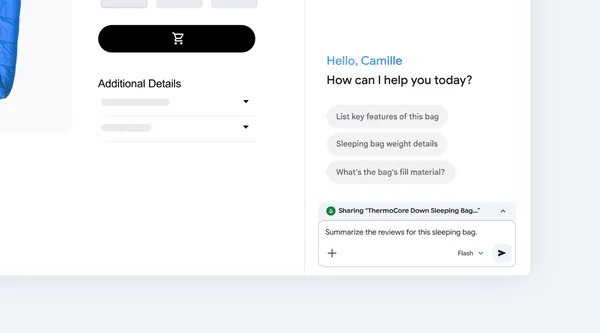
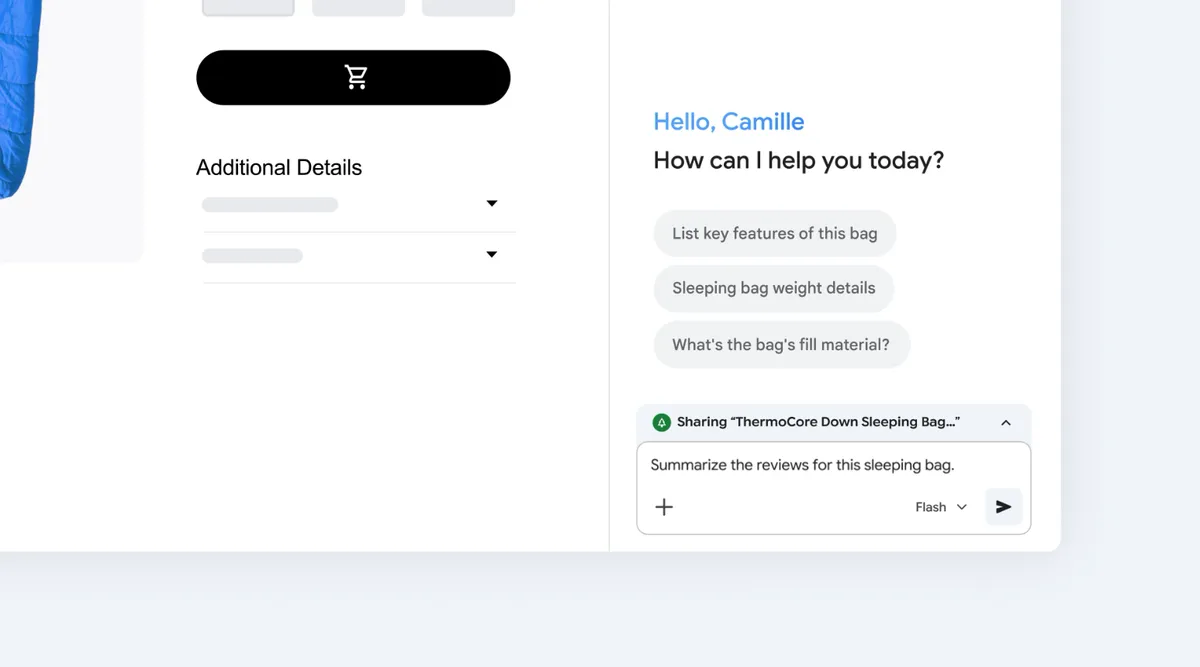
在 Chrome 中使用 Gemini,无需再打开另一个标签页,就能获得你需要的答案。具体方法如下。
点击 Chrome 工具栏中的 Gemini 图标,打开侧边面板。
让 Gemini 总结一份内容密集的报告、对比产品细节,或用通俗易懂的语言解释复杂话题——全程都不会让你离开当前页面位置。
译文由英文原文机器翻译,术语按行业惯例统一,可在文末展开原文核对。
查看英文原文(Get quick answers from Gemini on any website.)
See all in Products & platforms
See all in Innovation & AI
See all in Products & platforms
Get quick answers from Gemini on any website.
Use Gemini in Chrome to get the answers you need without opening another tab. Here's how.
Click the Gemini icon in your Chrome toolbar to open the side panel.
Ask Gemini to summarize a dense report, compare product details, or explain complicated topics in plain language — all while keeping your spot.
原文为英文,正文由自动抓取并保留原文。
原文发布于 Google Blog(Get quick answers from Gemini on any website.),标题、摘要与正文由机器翻译,术语按行业惯例统一,未经人工逐句校订。